Design harness: what it is and why every AI team will need one
Published on
A design harness is the set of practices, documentation and tools that runs a team's design pipeline. I define the term, the problem and the pipeline in five steps.
A design harness is the set of practices, documentation and tools that runs the design pipeline of a team. I developed, tested and validated one at the software house where I work, together with the front-end team, so that an approved design does not diverge from the code three weeks later.
This is the first piece of a series on the subject. Before any technique, the name deserves a definition.
Where the name comes from
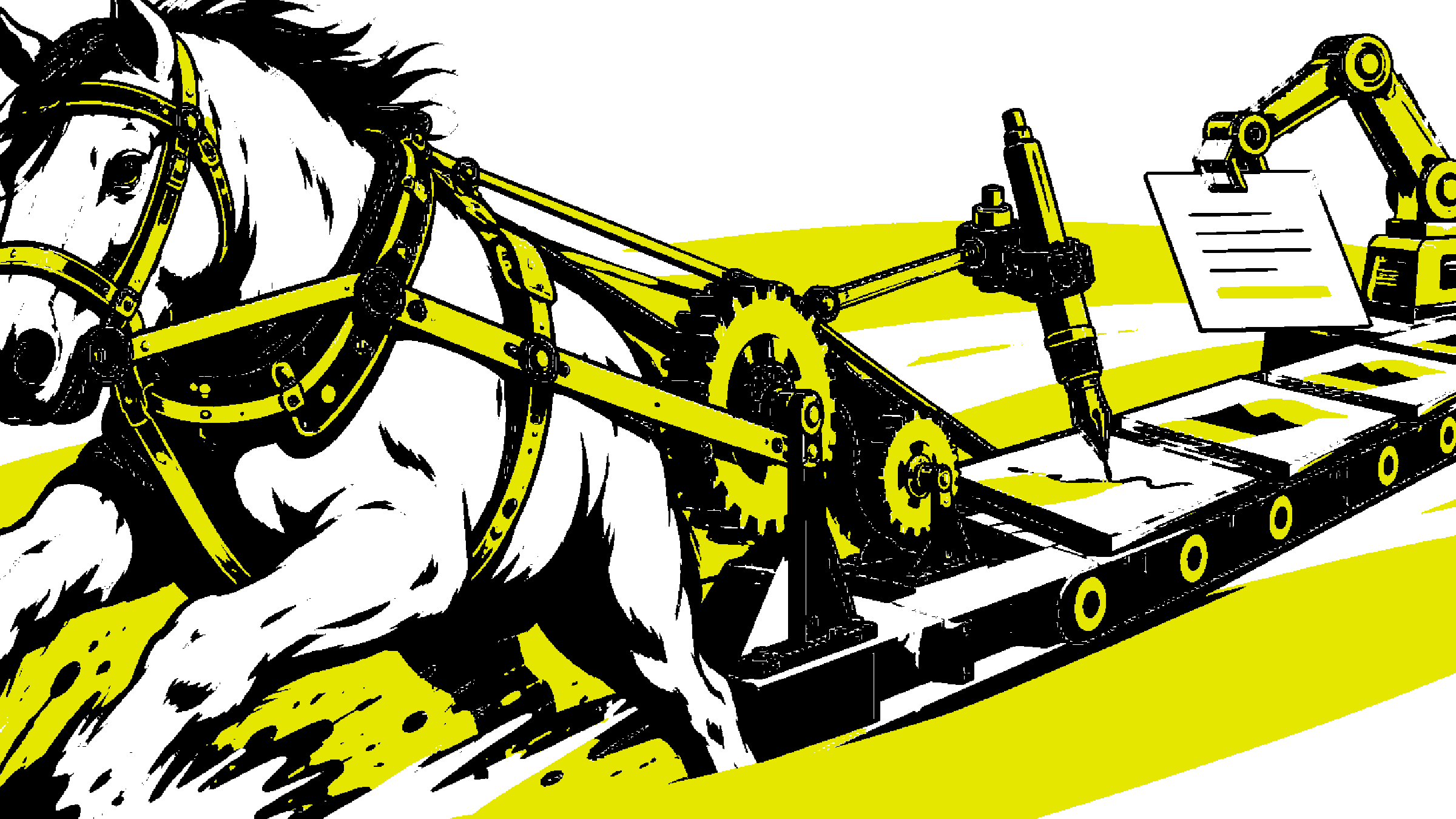
In old English, a harness was the set of straps that turns raw force into direction. The horse stays a horse; the harness is what makes the force serve the road.
In modern engineering, a harness is the rig that holds and instruments the object under test. Design grew to production scale and got exactly the same problem.
What the harness is not
It is worth marking the perimeter before describing the method, because the term attracts expectations it does not deliver.
A design harness is not a tool you buy and install. It is not a Figma plugin, not a well-written prompt, not a pile of loose automations. It is a process layer: practices combined with documentation and tooling, designed for one specific operation, that of a team producing design in parallel across many projects at once.
It is also not a bureaucratic filter meant to slow designers down. Each gate exists to protect something concrete: coherence with the research, consistency with the system, the truth of the documentation. A gate that protects none of those is dead weight and should be cut from the pipeline.
The problem that speed created
A software house runs dozens of simultaneous projects, with several designers and engineers on each. The raw force in this scene is the speed at which design and AI produce a new screen.
That is also, coin of the same mint, the speed at which design diverges from the code. Every unvalidated screen is a divergence point that someone pays for later, in rework.
Five years ago, keeping that in place was a rework bill the team paid in silence. Today AI produces new screens too fast for any manual review to keep up. The fix had to become a pipeline.
The pipeline in five steps
The harness works over the design the UI designer produces, in five fixed stages:
- The design enters the pipeline as an input.
- It is validated against the discovery documents.
- It is tested against the design system: the components, variants and tokens that already exist.
- It receives adjustments, with maximum reuse of what already exists.
- Anything new or changed is documented in three coordinated places: the Figma file, the git repository and the code.
The roles are clear in this order. The UI designer produces the design. Front-end implements, reviews and maintains the reference code, and took part in building the harness. Design ops maintains the practices, the documentation and the tools that keep the pipeline running.
Agents with contracts and human gates
The pipeline is not run by people alone. It runs over AI agents, and each agent comes with an explicit contract: defined input, defined output, nothing beyond that. The behavior rules live in the system prompt, not in the improvisation of each run.
There are agents that catalog, parameterize, document, audit and synchronize the artifacts of the pipeline. None of them promotes anything on its own: every promotion, every change that advances to the next stage, passes through a human gate. The agent prepares; the person decides.
That separation is the heart of the method. Automation reduces effort but does not transfer responsibility. Handing supervision to the agent is not delegation, it is abdication.
The verification layer
What keeps the pipeline honest is not the good intentions of each participant, it is the verification built into the process:
- Human gates at every state promotion, no exceptions.
- Validation against discovery, checking whether the new screen answers what the research found.
- Validation against the design system, checking whether component, variant and token already exist before anything is built from zero.
- Coordinated documentation in Figma, git and code, three places that must tell the same story.
- Traceability of everything inserted into the design, enabling continuous audits of divergence between drawing and implementation.
What the pipeline delivers
The effect is not cosmetic. The pipeline produces a documented history of everything inserted into the client's design, maximum reuse of the design system, coherence across projects and less rework in the handoff to development.
In one line: scale without loss of pattern. The final goal is a scalable design environment, agnostic to team turnover, with consistency at any stage of the project.
The next step, declared as the next step
The following direction exists and is public: a proposal ratified on July 11, 2026 that moves the source of truth into the code repository, with W3C standard tokens, React components and screens, and from it derive the component catalog, the design tool library and the package consumed by development. The agents run that cycle, always under human approval at every promotion.
Construction happens in phases, each with an exit criterion and a start conditioned on an explicit go. Do not read this as a finished delivery: the running pipeline is the present, the platform derived from code is the evolution under construction.
The series starts with the name
A design harness is not a tool you buy. It is a method you build with the engineering team, test in real projects and hold up with a human gate at every promotion.
I used to publish screens. Today I publish the pipeline.